
Agents can chat privately inside the desk without using another app. Customers can never see these messages.
Send a message
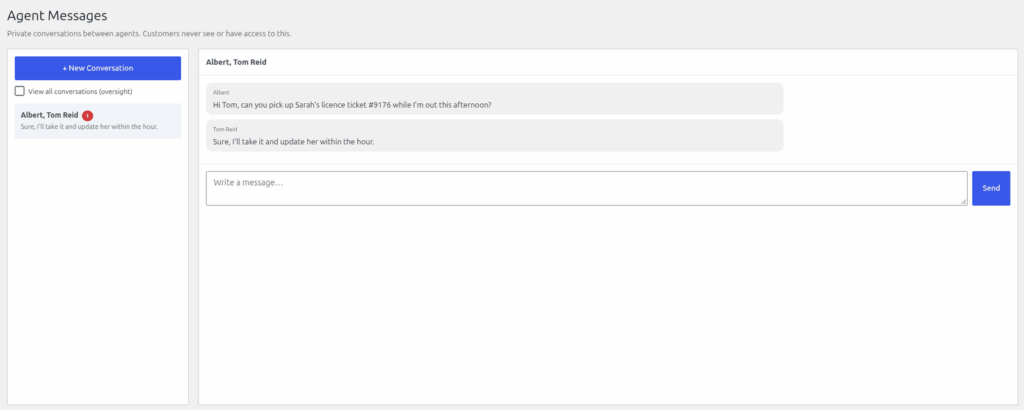
- Go to Helpdesk > Messages. The page is headed "Agent Messages".
- Click "+ New Conversation".
- In the "To:" box, choose one or more agents. Choose several to start a group conversation.
- Type your first message under "Message:" and click "Start Conversation".
- Inside a conversation, type under "Write a message…" and click "Send".
Unread conversations are marked until you open them.
Who can see messages
Only the agents in the conversation, plus anyone with the "View all agent conversations" permission. That permission is off by default and is meant for managers. People who have it get a "View all conversations (oversight)" tick box on the Messages page.
Every agent can open Messages. To change who has the oversight permission, see "Adding Support Agents and the seven permissions".
Still stuck? Open a ticket on the support page on ABC and a real person will help.
Was this article helpful?